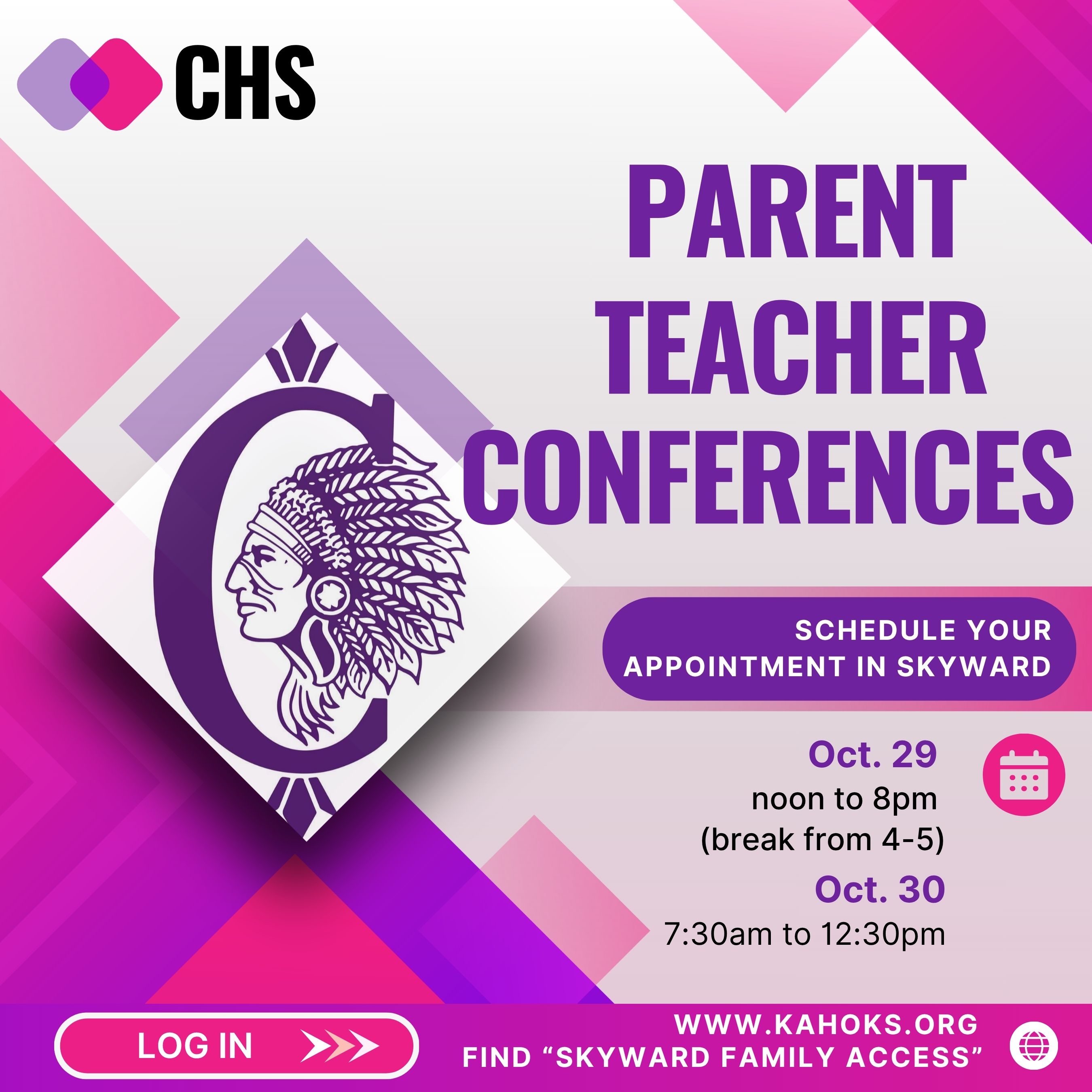
Parent-Teacher conferences
Posted Date: 10/05/26 (09:42 AM)
Instructions to schedule conferences....
1. Log into Skyward Family Access. Access Skyward here
2. Select "Conferences" from the menu to the left.
3. Select "All Conferences" and you should see your student's schedule.
4. Click under each class to "select a time" in blue letters.
5. You will see the list of all available time slots and select the time you would like.
6. Once back at the All Conferences screen, you will see your scheduled appointments under the teacher's name.
(You will have to schedule a separate appointment for each class.)